Log in at bdmbet.com with the email and password you chose at sign-up. Forgotten it? Reset it from the login panel in under a minute.
Use the button here or type the address by hand. Check the padlock (HTTPS) first: all site traffic is SSL-encrypted, so make sure you're on the real domain and not a copy.
Top right of the page — it opens the login panel with the email and password fields.
Exactly as you set them at sign-up. Case matters in the password; if you've forgotten it, use the reset link before retrying endlessly.
If you've turned on two-step verification, enter the code you receive by email or in your app. An extra check may be requested when signing in from a new device or network.
You land in your account and cashier, ready to deposit or withdraw. Save the login only on your own device and log out on shared ones.
The login panel keeps it simple: email, password and a clear link to reset your password. If a login fails, the reset flow emails you a link within a minute or two — check spam if it's slow.
Account security and safe login. Treat your BDMBet account like your online banking. The whole site is SSL-encrypted, but the first line of defence is you: use a unique, strong password you don't reuse anywhere else and turn on any two-step verification available. BDMBet will never ask for your password or a code by email or chat, so be wary of any “phishing” message that does, and always check you're on bdmbet.com (with the HTTPS padlock) before entering your details.
Log in only from your own device, avoid unprotected public Wi-Fi and log out on shared computers. Remember only one account per person, household, IP and device is allowed: don't open a second account to get around a login problem, because duplicates are blocked and can lead to held funds. And because verification (KYC) is required before the first withdrawal, keeping a single account with truthful details is what makes sure your cash-outs go through without friction.
Yes on the technical side: all traffic is SSL-encrypted and BDMBet enforces one account per person, household, IP and device; your data isn't sold to third parties. Bear in mind BDMBet runs on a Curacao licence (a lighter-touch offshore regulator, not the ACMA), with Curacao as the governing law, so protection leans mainly on the operator's own controls.
Almost always because of too many failed attempts, which trigger a brief security lockout: wait a moment and reset the password instead of retrying. A lock can also be down to a security or KYC check; in that case, write to [email protected] to sort it out.
No. Only one account is allowed per person, household, IP and device. Duplicate accounts are blocked and can lead to held funds, so don't create a new one to fix a login problem: use login and password reset.
Try the addresses you usually use in the “Forgotten password” flow: if the email exists, you'll get the reset link. If none work, contact live chat or [email protected] with whatever details you can so they verify ownership.
There's no native app to download: BDMBet runs in the browser. You can add bdmbet.com to your home screen for app-style access, but you log in with the same email and password, the same account and cashier as on desktop.
Verification (KYC) is required before the first withdrawal, as an anti-money-laundering measure: a photo ID and a recent proof of address, sometimes a selfie. It's a one-time step; verify as soon as you open the account so the first cash-out goes through without friction.
Sign up in about a minute and unlock the welcome package.
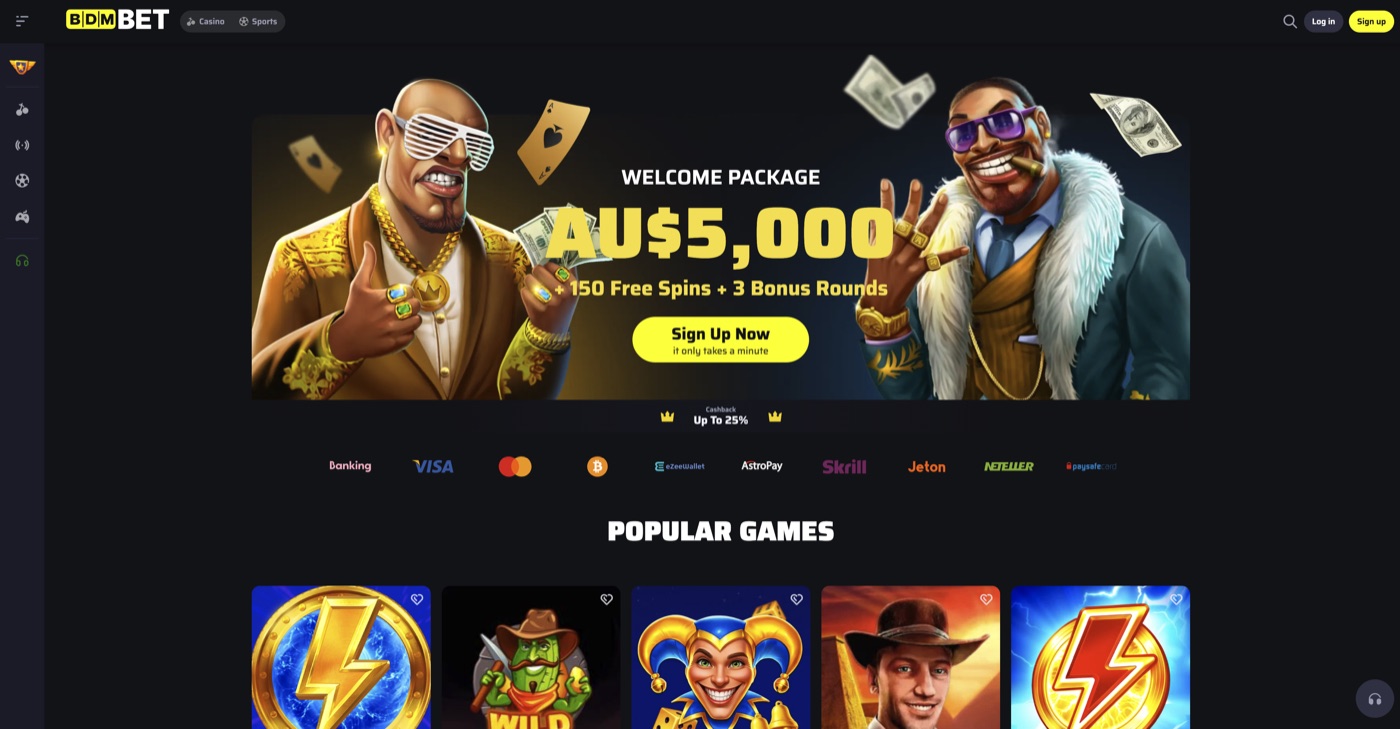
Open →Welcome package up to A$5,000 + 150 free spins + 3 bonus rounds, plus cashback, reloads and VIP.
Open →Cards, bank transfer, e-transfer and crypto — minimum A$75, cash-outs within 72 hours.
Open →Our full 9.2/10 verdict after testing bonuses, payments and support.
Open →