No download to wait for — open bdmbet.com on your phone and add it to your home screen for full-screen play, like an app.
Chrome on Android, Safari on iPhone. Log in as usual.
Android: the three dots. iPhone: the Share button.
Confirm the name and tap Add.
It opens full-screen, like a native app — the same account, the same cashier.
Because it's the live site and not a store version, you always have the current build with nothing to update. On Android the option is in Chrome's three-dot menu (“Add to Home Screen”); on iPhone, in Safari's Share button (“Add to Home Screen”). Either way, the icon sits alongside your regular apps.
BDMBet doesn't offer an app on Google Play or the App Store, and for the player that has real upsides. Running in the browser, you reach the full library of over 5,000 games from 95+ studios — including the Evolution and Pragmatic Play Live tables — without the limits app stores put on casino software. You use no storage space, wait for no downloads or updates, and always play the latest build of the site. You also use exactly the same account, balance and cashier as on desktop, so you can start a session on the computer and pick it up on mobile without friction. In practice, BDMBet's “app” is the site itself, pinned to your home screen.
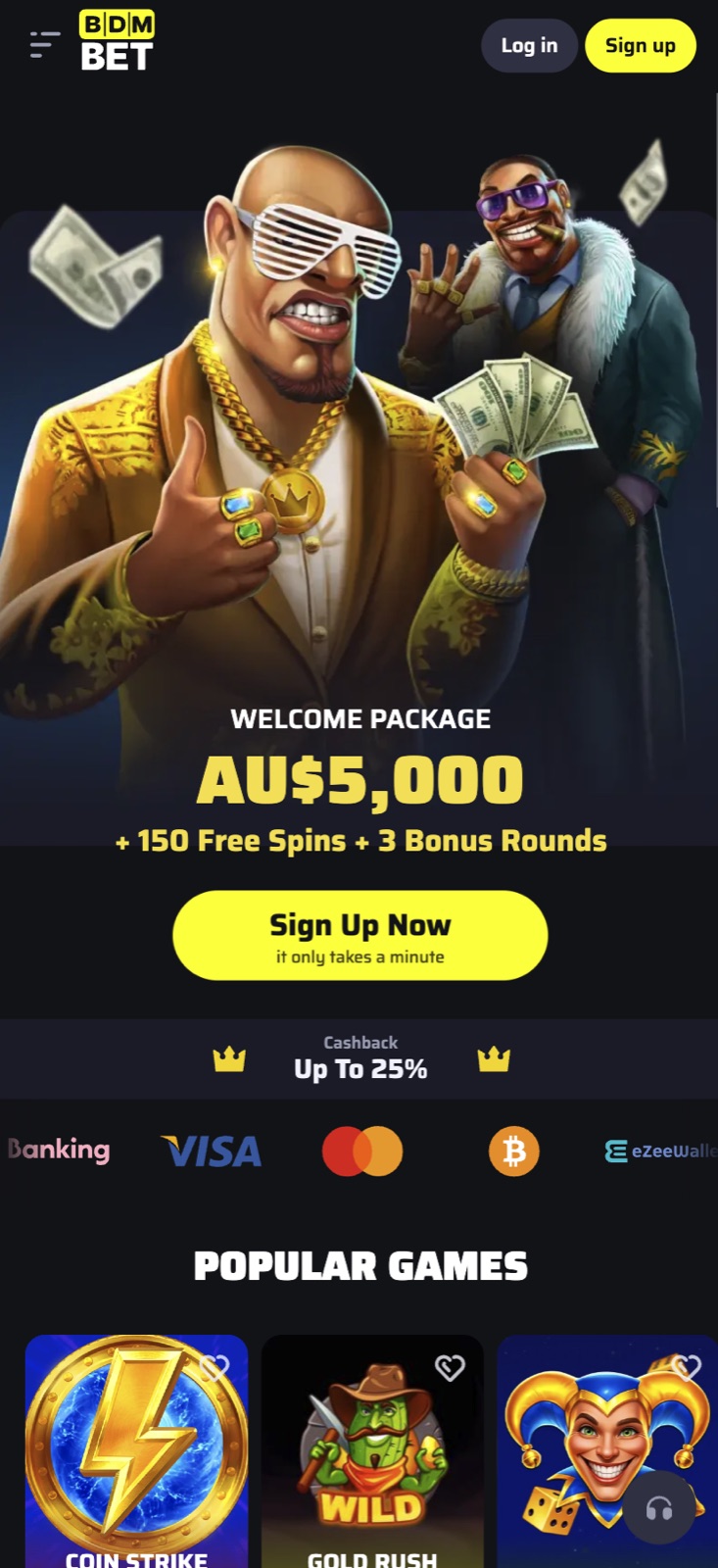
Added to your home screen, BDMBet opens full-screen with its own icon — the same account and cashier as the desktop site, one tap away, with nothing to update.
It's the live site — always the current build, nothing to install or update.
Your login, balance and cashier carry over one-to-one from desktop.
All 5,000-plus games and live tables run in the mobile browser.
No native app is needed — open bdmbet.com in your mobile browser and add it to your home screen for full-screen, app-style play.
Yes. Use Safari's Share menu on iPhone or Chrome's menu on Android to add it to your home screen.
Yes. All 5,000-plus games, including live casino tables, run straight in the mobile browser, with the same account and cashier as on desktop.
No. Because it's the live site and not a store version, you always have the current build, with no downloads or updates.
Pokies use little data; live casino, being streamed video, uses a lot more — play live on Wi-Fi if your data is limited.
Yes, with the same SSL protection as desktop. Avoid unprotected public Wi-Fi and don't save the session on shared devices.
Sign up in about a minute and unlock the welcome package.
Open →Welcome package up to A$5,000 + 150 free spins + 3 bonus rounds, plus cashback, reloads and VIP.
Open →Cards, bank transfer, e-transfer and crypto — minimum A$75, cash-outs within 72 hours.
Open →Our full 9.2/10 verdict after testing bonuses, payments and support.
Open →